777E on your phone
777E

777E Support in Pakistan

Open Support in the 777E lobby. Prepare the error or payment reference so you can explain which step needs to be checked.

777E Support in Pakistan

Where to ask for help

Support in the lobby

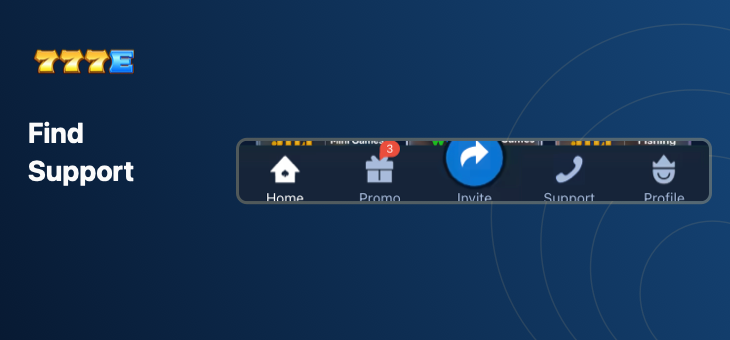
Use Support in the bottom navigation for help with your account, games or the app.

A platform notice listed 24/7 support for payment issues. Check the options shown in your account.


Wallet or promotion help

Tell Support the payment channel or the exact name of the campaign.
Have the transaction ID, amount and time of the payment, or the status shown on the campaign card.
Support in the bottom navigation of the 777E lobby

What to prepare

  • App: phone model, Android or iOS version, and the message shown.
  • Account: the screen where access stopped, with sensitive details hidden.
  • Deposit: method, amount, time and wallet receipt.
  • Withdrawal: reference, status and amount shown in your record.
  • Offer: campaign name, participation time and current status.
Information that helps Support identify a problem

What to check while you wait

  • For a missing deposit, look in both your wallet history and the 777E deposit record.
  • For a download error, check your browser’s downloaded files before tapping the button again.
  • For a reward, review eligibility and the claim window on the current card.

Keep OTPs, account passwords and wallet PINs to yourself.

777E

Your 777E account

LoginRegister