Easypaisa and JazzCash QR deposit bonus
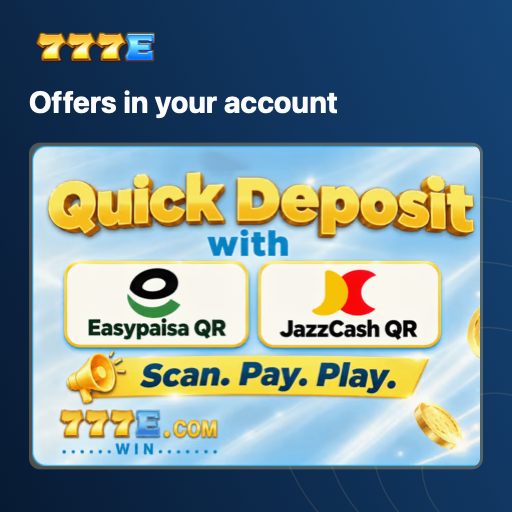
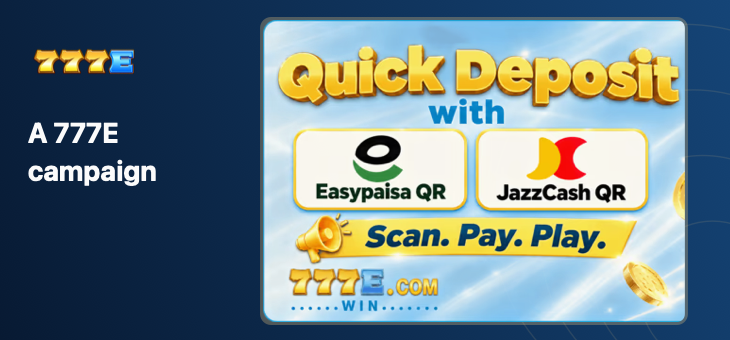
Pay with Scan with EasyPaisa or Scan with Jazzcash to get an extra reward of up to PKR 1,500. Choose the QR channel in Online deposit and check the reward shown for your amount before paying.

Explore wallet rewards, First Deposit Extra Reward, daily gifts and VIP missions in 777E. Open Promo to check what applies to your account and whether it is ready to claim.
The Promo area lists campaigns by tab. Open the card you are interested in and check the conditions shown for your account.
New to QR payments? Open QR Payment Video Guide in Promo for the 43-second Easypaisa walkthrough. The guide shows how to save the QR code from your order, scan it in the wallet and check the recipient and amount.
Pay with Scan with EasyPaisa or Scan with Jazzcash to get an extra reward of up to PKR 1,500. Choose the QR channel in Online deposit and check the reward shown for your amount before paying.
New accounts can check the first-deposit reward tiers. The event showed PKR 20 at PKR 100, PKR 50 at PKR 300 and PKR 80 at PKR 500. Eligible rewards are claimed manually in the app from 07:00 the next day.
The Special Daily Gift notice says you can claim that event’s reward by logging in and checking in, with no deposit for that event. Open Promo to see if it is available and use Mission to review other rewards.
Open VIP to see benefits for your level and the conditions to maintain or move up a level.
Open Invite for referral conditions and the status of an invitation. Read which actions count before sharing a code.
If an eligible first-deposit reward does not appear, check Event Details or Pending Claim and use Refresh. Share the campaign name with Support if it is still missing.
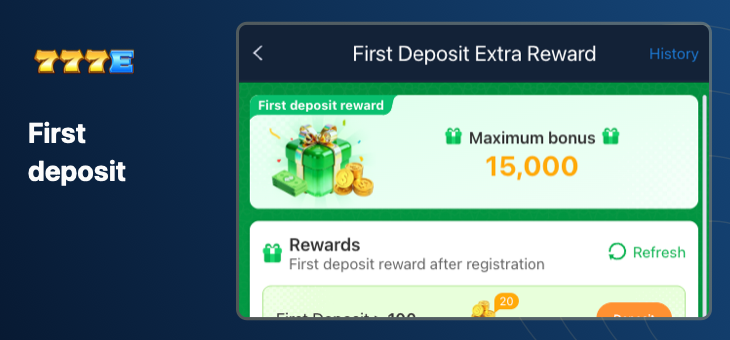
Open Promo to find the benefit and read its eligibility. If you already qualify for a first-deposit reward, check Pending Claim in the app for the next step.