
What to prepare
- You must be 18 or over. Read the terms shown with the registration form.
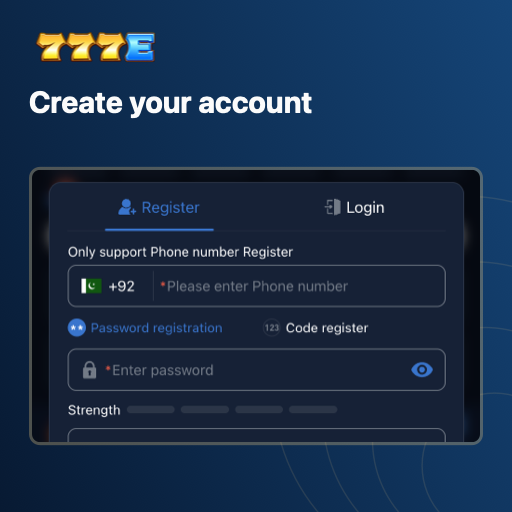
- Use a Pakistani mobile number you can access. Check the +92 prefix shown by 777E.
- If you choose Password registration, create a password you do not use for another account.
- A referral code field is displayed separately. Check the details if you are using an invitation.
- If you already have a 777E account, use Login or its recovery link.
From registration to account access
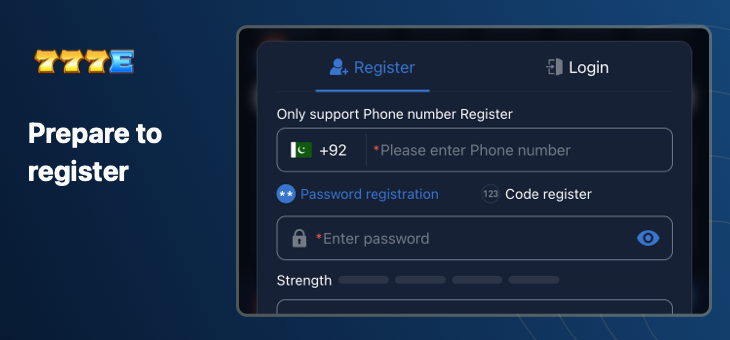
Enter your +92 number
Use a Pakistani mobile number that you can access.
Choose password or verification code
In Password registration, enter a password. In Code register, request a code for your phone and enter the code you receive.
Submit and enter your account
Review the User Agreement and required fields, then tap Register. After registration succeeds, use the account to log in if the lobby prompts you.
Register with an SMS code
Code
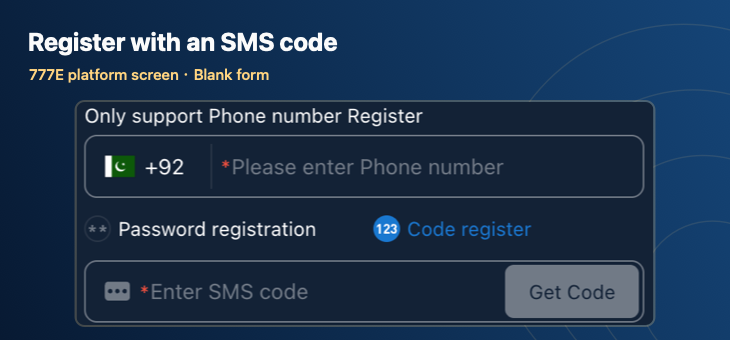
Choose Code register, enter your +92 mobile number and tap Get Code. Type the code you receive into Enter SMS code. If a code is delayed, check your number and follow the resend prompt when it appears.
Account details
Use accurate information and review any field that is flagged.
Support
If it still fails, share the error message through Support.
Only enter verification codes and any requested details in the platform flow.